
How One-Person Businesses Work Like a Team With AI
One-person businesses are quietly working like full teams in 2026 — not by hiring, but by giving AI clear roles instead of treating it as a universal assistant.
Hey, we meet again, my friend. I'm Nova. Last Tuesday — research notes, content draft, monthly numbers, all in the same afternoon. Six tabs open. Progress on none of them. At some point I just stopped. Why does this still feel so hard?
I've been using AI tools for over a year. I write about them. And I was still re-explaining everything from scratch every single session. That afternoon I tried something small — writing a "job description" before opening a chat. Who is this AI, for this task? What does good output look like?
The difference was noticeable. It held a consistent standard without me re-establishing context each time. Less like a tool, more like briefing someone who already knew the project. That's when I started thinking seriously about what it means to give AI a role — not just a prompt. Turns out, this is quietly how the best one-person businesses are starting to work.
Why One-Person Businesses Are Having a Moment Right Now
What's actually changed in the last 12 months
I was reading through some notes from early last year, and I kept finding the same frustration: "context switching is killing me." Research tab, writing tab, analytics tab, inbox — and that's before lunch.
But here's what's different now. The tools have caught up in a way that actually matters for one-person businesses. It's not just that AI can write things for you. It's that AI can hold a job — a specific, defined role — and stay in it.
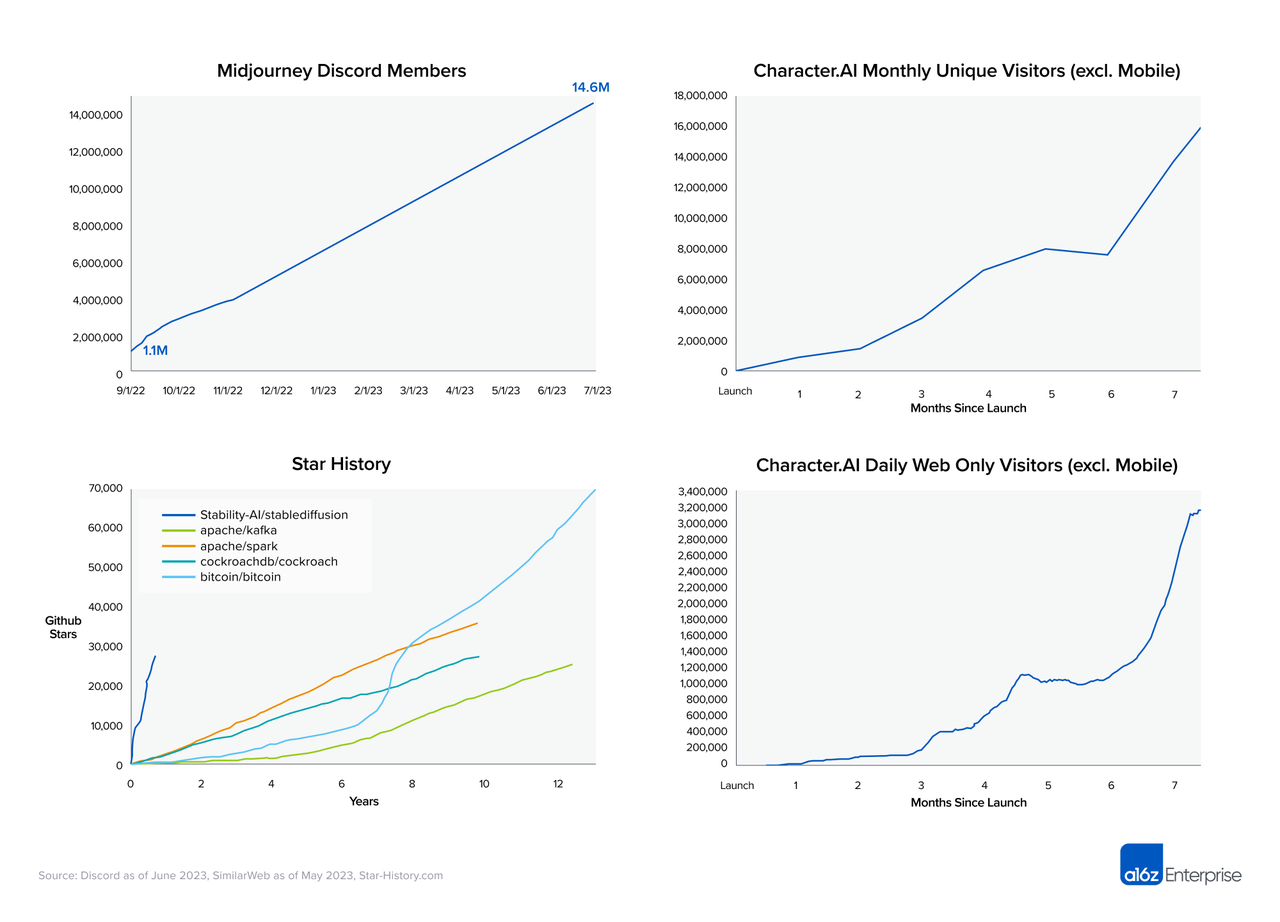
According to Andreessen Horowitz's research on the creator economy, the number of people building independent businesses online has grown significantly — not because it got easier in theory, but because the operational gap between "one person" and "small team" is actually closeable now. That's new.
Why doing everything alone used to break down
The classic problem isn't talent or ideas. It's cognitive load across roles. You're the researcher, the writer, the growth person, and the one answering emails. When you switch between those modes manually, you lose the thread constantly. Most people I know who run solo operations have a graveyard of half-finished projects — not because they ran out of motivation, but because they ran out of mental bandwidth to keep all the context alive.
The Universal Assistant Problem
Why do most people use AI wrong
Here's something I've noticed: when people first start using AI tools at work, they treat them like a smarter search engine. Ask a question, get an answer, move on. That's fine for one-off tasks. But it doesn't change how you work — it just speeds up isolated moments.
What happens when AI has no clear role
When AI has no defined role, you get inconsistent output. You re-explain context every time. The tool doesn't remember your style, your priorities, or your decision logic. It's like hiring a contractor for one hour every day and spending 20 minutes of that hour getting them up to speed.
Request vs role — the real difference
A request is transactional. A role is ongoing.
A request: "Write me a product description." A role: "You are my product communicator. You know our tone, our ICP, and our positioning. Every time I drop in raw notes, you turn them into something ready to publish."
That distinction sounds small. It's actually the whole game.
What Giving AI a Role Actually Looks Like
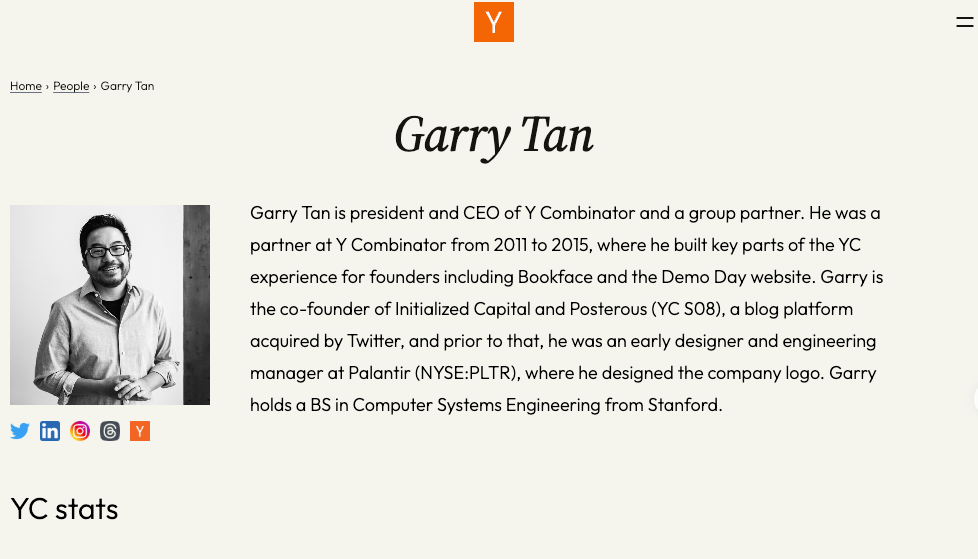
The developer proof point: Garry Tan built a virtual dev team with gstack, 12k stars in 48 hours
Earlier this year, Garry Tan — president of Y Combinator — shared something that caught a lot of attention in the developer world. His project gstack hit 12,000 GitHub stars in 48 hours. The concept was simple and kind of mind-bending: instead of using one AI agent to do everything, you spin up multiple specialized AI agents — each with a defined role — and let them work together like a dev team. This isn't a fringe idea. Y Combinator's advice on keeping teams lean has long pushed founders to do more with less — and what gstack showed is that AI roles are now a credible way to actually close that gap.
One agent handles architecture decisions. Another focuses on code review. Another manages documentation. None of them are "general assistants." They each own something.
What made gstack spread so fast wasn't just the technical execution — it was the clarity of the idea. You give AI a role with real scope, and it behaves like someone who knows their job. This isn't a future concept anymore. It's what a growing number of developers are already doing.
The operator proof point: one person ran growth, research, and product analysis across three angles without switching tools
This example is less flashy, but more relevant if you're not a developer.
A solo operator I follow — she runs a niche B2B newsletter and consulting practice — shared her workflow publicly a few months back. She was managing three distinct functions: growth (finding new readers, tracking what content performs), research (staying on top of her industry so her writing stays credible), and product analysis (understanding what her subscribers actually care about).
Before, she'd jump between tools constantly. Separate browser sessions, separate tabs, separate mental contexts. She'd lose a whole afternoon every week to transition friction.
What she changed: She stopped using AI as a search tool and started setting up persistent role configurations for each function — the kind of setup you’ll typically see in more structured AI workflow tools. Her "research agent" always knew her topic focus, her source preferences, and her output format. Her "growth agent" knew her metrics, her audience profile, and what kind of posts had historically driven signups.
The key shift: she didn't switch tools anymore. She switched roles. Same workspace, different context loaded. She estimated she saved 6–8 hours a week just on re-explaining context and re-formatting outputs. And the quality got more consistent, because the role held the standard instead of her having to re-establish it every session.4
The roles that matter most for solo operators
From what I've seen, the three most useful AI roles for one-person businesses are:
Research analyst — stays current on your space, summarizes signal from noise
Content production — knows your voice, format, and audience; turns raw thinking into polished output
Operations coordinator — handles repeating workflows: outreach drafts, tracking updates, synthesis across documents
You probably don't need all three on day one. But identifying which one costs you the most time is a good place to start.
How to Start Without Building Complex Systems
Pick one recurring task you do every week
Don't try to redesign your whole workflow. Find the one thing you do every week that feels like groundhog day. For me, it was synthesis — reading a bunch of things and trying to extract what actually matters. That was the first role I defined.
Capture the steps, not just the output
This is the part most people skip. Before you hand a task to AI, write out what you actually do when you do it well. As writing down your processes before automating them makes clear — if you can't describe the steps yourself, no tool can replicate them for you.
According to MIT Sloan Management Review's work on knowledge management, making tacit knowledge explicit is one of the hardest and most valuable things a knowledge worker can do. Most of what experienced people know how to do lives in their head, not in a document. Capturing it — even roughly — is what makes a role transferable to AI.

What makes a role reusable
A role is reusable when you can hand it to AI tomorrow and get the same output as today without re-explaining. That means: your context is written down somewhere. Your standard is defined. Your format preference is clear.
What This Won't Solve
Where it still breaks down
Let me be honest about this, because I think a lot of content on AI tools glosses over the friction.
AI roles break down at the edges of your own clarity. If you don't know what good looks like for a task, AI won't know either — and it'll produce something that sounds confident but misses the point. The role framework only works when you've done enough of the task yourself to know how to define it.
It also breaks down when the work requires real relationship context. Knowing that a specific client is going through a difficult quarter, or that a potential partner had a bad experience with your category before — that kind of nuanced, interpersonal understanding doesn't transfer cleanly into a role configuration.
And honestly? Prompting well is still work. Setting up a good role takes time upfront. It's an investment, not a shortcut. If you're expecting to skip the thinking, this won't help you.
When you actually need another person
AI is remarkably good at tasks that are repeatable, context-heavy, and output-defined. It's significantly worse at tasks that require genuine judgment about people, or situations where the right answer depends on things that can't be written down.
The Harvard Business Review has covered this distinction carefully: AI augments individual capacity, but it doesn't replace the social and judgment-based work that makes teams function. If your bottleneck is creative direction, client trust, or strategic thinking under real uncertainty — you still need people.
Running a one-person business with AI doesn't mean you never collaborate. It means you stop burning hours on tasks that don't require a human— This is also why many solo operators are now packaging these systems into services
How to Set Up Your First AI Role (Without Overcomplicating It)
Start with a blank document. Write the job description for the role you want to fill. What does this "person" do? What do they know about you? What format do they always deliver in?
The Ness Labs community on personal productivity has a useful framing for this: think of it as "externalizing your mental models." You're not building a chatbot prompt — you're writing down how a good version of this job gets done.
Then test it on three real tasks. If the output is consistent, your role definition works. If it's not, the gap is usually in how you described the standard, not in the AI itself.
FAQ
Q: Do I need to switch tools to make this work?
Not necessarily. The tool isn't the point — the role definition is. You can start experimenting with the "job description" approach in whatever you're already using. Write the context, the standard, and the format preference into your system prompt and see if the output changes. If it does, you'll know the idea works. Then decide if you need a better environment for it.
Q: How long does it actually take to write a role?
First time, maybe 20–30 minutes. After that, small tweaks — 5 minutes here and there. The first two weeks feel like investment. By week three, it mostly just runs.
Q: What if I don't fully know how to do the task myself yet?
Then the role won't work — and that's not a flaw, that's useful information. AI is good at executing clarity. It can't manufacture it. If you can't describe what "good" looks like, the output will sound confident but miss the point. Do the task yourself a couple of times first. Then hand it over.
This is also what we're building toward at Floatboat — a workspace where your AI roles live together, learn your working style over time, and don't make you start from scratch every session. If that sounds like something worth trying, you can download Floatboat and see what it feels like to give your AI a job description instead of just a prompt.
That's aii for today's sharing.See you next time.
Previous Posts:
Related Combos

Get automation tips for your workflow
Weekly insights for non-technical professionals. No spam ever.