
Genspark Super Agent Explained
Genspark Super Agent helps users create structured research, pages, and outputs. Learn when it fits solo workflows.
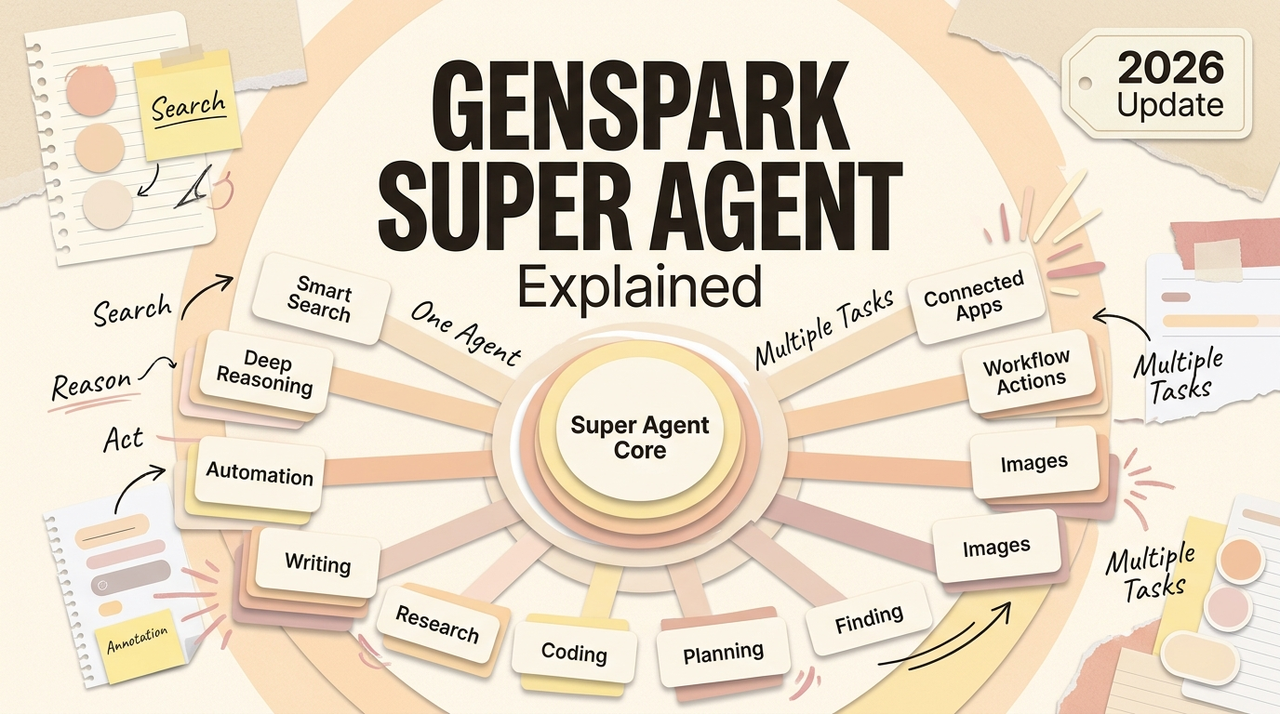
Hi, I'm Nova. Genspark Super Agent keeps showing up in my feed, and I've been getting enough "have you tried this?" messages that I finally spent some real time with it. The short version: it's not a chatbot. It's closer to a command center that breaks your request into pieces and sends different AI models to handle each one. Whether that distinction matters to your work — that's what this piece is about.
What Genspark Super Agent Is
If you're wondering what Genspark AI actually is beyond the buzzy name — here's the short version. The "super agent" label sounds like marketing, and yeah, partly it is. But the underlying idea is different from what you get with a standard AI chat tool.
Genspark is built by MainFunc, a Palo Alto-based company founded by alumni from Microsoft, Google, Meta, and Pinterest. What they built isn't another ChatGPT wrapper. The Super Agent sits at the center of what Genspark calls an "all-in-one AI workspace." You give it a task — research, a slide deck, a data question, even a phone call — and it figures out which tools and models to use, then runs them.
The part that makes it different from a regular chatbot: it coordinates multiple AI models at once. Genspark uses what they call a "Mixture of Agents" architecture. When you ask something, the system doesn't just call one model. It runs your query through several — including GPT-5, Claude, and Gemini — then cross-references the answers before giving you a result. The idea is that multiple models checking each other reduces the kind of confident-but-wrong outputs that single-model tools sometimes produce.
I ran a few research-heavy prompts through it. The multi-model cross-checking caught things that a single model missed in my side-by-side tests. Not every time. But often enough that I noticed.
How It Differs from Regular Chatbots
Here's how I think about this. A regular chatbot — ChatGPT, Claude, Gemini — gives you a conversation. You ask, it answers, you refine. That loop works well for a lot of things.
The Genspark Super Agent tries to skip that loop. You describe an outcome, and it plans the steps to get there. Need a competitive analysis of five companies with a summary slide deck? Instead of prompting back and forth for twenty minutes, the Super Agent breaks that into sub-tasks: research each company, pull pricing, structure the comparison, build slides. Different specialized agents handle different parts.
The practical difference is in the output format. A chatbot gives you text in a chat window. Genspark gives you structured deliverables — a Sparkpage with citations, a slide deck you can export, a spreadsheet with actual data. That's a real distinction, not just branding.
One feature that got a lot of attention — especially after it went viral in Japan — is "Call For Me." The AI literally makes phone calls on your behalf. Booking a restaurant, checking store hours, rescheduling a delivery. It uses voice AI that can navigate automated menus and hold actual conversations with humans. I haven't tested this myself yet, so I can't vouch for how well it works in practice. But the concept is interesting — and honestly a little weird in the best way.
Wait… it makes phone calls? Okay, I didn't see that coming.
Sparkpages and Structured Outputs
This is the part that actually matters for daily work.
When you search or research something in Genspark, you don't get a chat reply. You get a Sparkpage — a dynamically generated page that pulls together information from multiple sources, organizes it into sections, adds citations, and includes a built-in copilot for follow-up questions. Think of it as a mini research report that builds itself in real time.
I tried it on a topic I was already familiar with — comparing AI writing tools for content workflows. The Sparkpage came back with structured sections, source links, and a table of contents on the side. Not perfect. Some sections were thinner than others, and one source it cited was outdated. But the structure saved me from opening twelve tabs, which is what I normally do.
The copilot inside each Sparkpage is where it gets useful. After the page loads, you can ask it to expand a section, add a comparison, or drill into a specific data point — without leaving the page. No context-switching. That step alone saved me about twenty minutes on that one session.
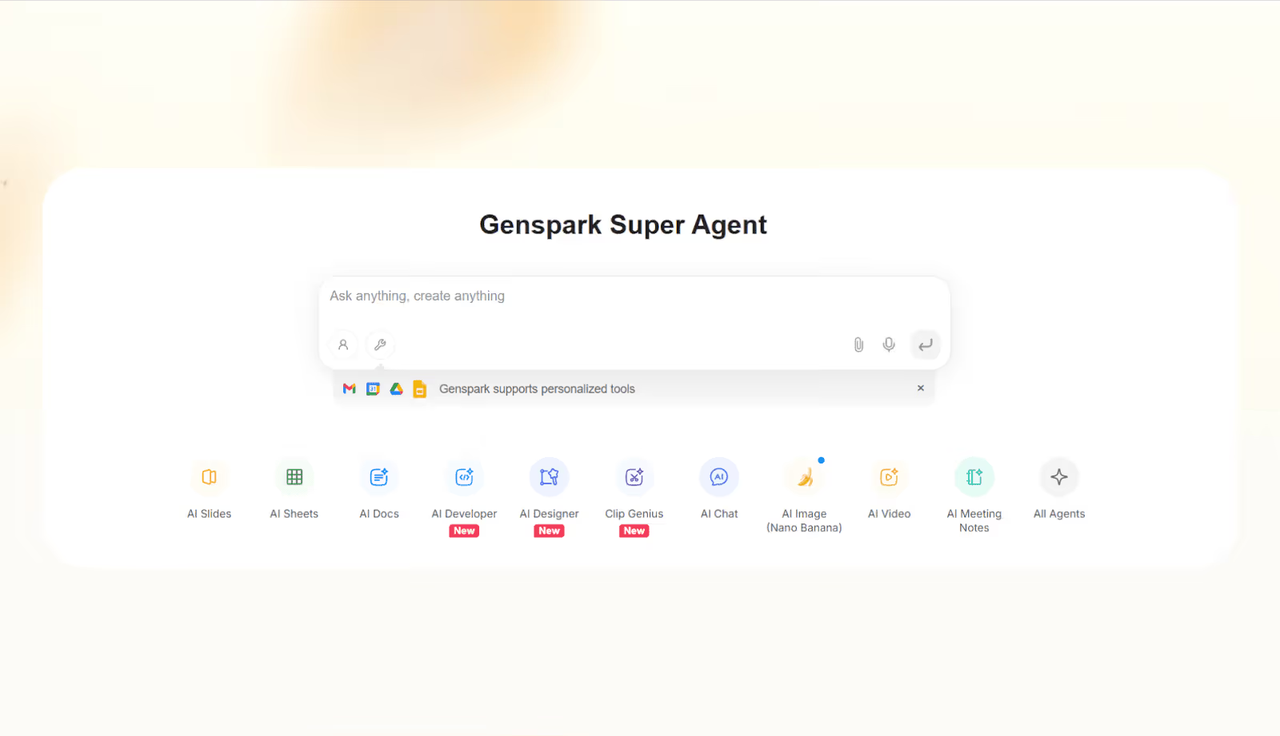
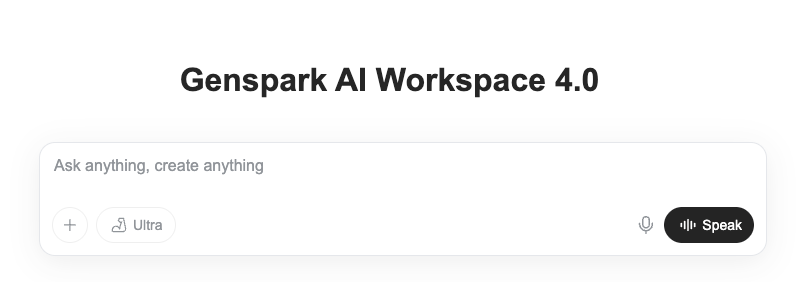
Beyond Sparkpages, Genspark also has AI Slides (generates presentation decks with charts and speaker notes, exportable to PPTX), AI Sheets (builds spreadsheets, scrapes web data, writes Python for visualization), and AI Docs. As of April 2026, the Workspace 4.0 update added native plugins for PowerPoint, Excel, and Word — so you can use these agents directly inside your Office apps without switching to Genspark's interface.
That's a quiet little win, honestly. The "stay in your existing tools" approach matters more than most feature announcements.
When Solo Operators Should Use It
Let me give you an actual answer here instead of "it depends."
Genspark makes sense if your work involves a lot of research-to-output cycles. You're gathering information from scattered sources, synthesizing it, and turning it into something — a report, a deck, a comparison, a brief. If that describes a big chunk of your week, the Sparkpage workflow genuinely cuts steps out of the process.
It also makes sense if you're currently paying for several separate AI tools. Genspark bundles chat, search, image generation, slides, spreadsheets, and docs into one subscription. If you're running a one-person operation juggling ChatGPT for writing, a separate tool for slides, another for research — the consolidation argument is real.
Where it doesn't make sense: if your AI usage is mostly conversational. If you mainly use AI to bounce ideas, draft emails, or get quick answers, a dedicated chat tool is simpler and probably enough. Genspark's strength is in structured, multi-step outputs. If you don't need that, you're paying for machinery you won't use.
Also — I'm still figuring this out, but — the credit system means some workflows eat through your allocation faster than you'd expect. Generating slides costs credits. Running fact-checks on those slides costs more credits. Video generation costs credits. Chat and image generation are unlimited on paid plans right now, but that perk is explicitly flagged as valid through December 2026. Worth keeping in mind.
I could be wrong here, but my gut says that anyone whose work is primarily writing-focused rather than research-and-deliverable-focused should probably stick with what they have.
Limits, Pricing, and What to Verify
Pricing is the part that changes the fastest, so I went and checked the official Genspark pricing information before writing this. Here's what I found as of May 2026:
Free plan: 100 credits per day, 1 GB storage. You can test Sparkpages, basic AI chat, and most features — but daily limits hit fast if you're doing anything substantial. Good for trying it out. Not enough for real work.
Plus plan: $24.99/month (or $19.99/month billed annually). 10,000 credits per month, 50 GB storage. Includes unlimited AI chat with premium models (GPT-5, Claude, Gemini) and unlimited image generation — both of these perks are currently valid through December 2026. You also get access to video and audio generation, but those cost credits.
Pro plan: $249.99/month ($199.99/month annually). 125,000 credits, 1 TB storage. Built for teams or heavy-volume users. Unless you're running an agency, this is probably overkill.
A few things worth verifying directly on the Genspark official site before you commit: the credit costs per action vary a lot depending on what you're generating, and the "unlimited" chat and image perks have that end-of-2026 expiration. Genspark could change these terms, so check the live pricing page for the current numbers.
One more thing on pricing context. ChatGPT Plus runs $20/month for a chatbot. Perplexity Pro is $20/month for AI search. Genspark bundles search, chat, slides, sheets, docs, images, video, and agent features starting at $25/month. On paper, the value math works. In practice, the question is whether you'll use all those features or just two of them.
I've seen a lot of hype around this tool. Most Genspark AI review content out there reads like it was written by someone who used it for fifteen minutes, so let me be specific. The marketing is doing a lot of work here — "$1.25 billion valuation" gets attention, but valuation doesn't tell you whether the tool fits your Tuesday afternoon. What I can say after spending real time with it: the Sparkpage concept is genuinely useful for research-heavy work, the multi-model approach produces more reliable outputs than single-model tools in my experience, and the credit system needs more transparency about per-action costs.
That's my honest take. You'll have to decide what's right for your situation.
FAQ
Is Genspark worth paying for if I already use ChatGPT or Claude?
It depends on what you need. If your main use is chat-based — brainstorming, drafting, Q&A — you probably don't need Genspark on top of that. But if you spend a lot of time turning research into deliverables (decks, reports, structured comparisons), Genspark handles that multi-step process in a way that chat-only tools don't. I wouldn't replace Claude or ChatGPT with it. I'd add it if the deliverable workflow matches how I actually work.
Is there a free version of Genspark AI?
Yes. The free plan gives you 100 credits per day with basic access to Sparkpages and AI chat. It resets daily. Enough to test whether the workflow clicks for you, but not enough for sustained daily use. No credit card required to start.
Can Genspark handle long documents and PDFs?
I tested this with a 30-page research PDF. It processed it and generated a structured summary. Results were solid for the first 15–20 pages, then started getting thinner toward the end. For shorter documents — say under 20 pages — it worked well. For very long documents, I'd still break them into chunks myself. I haven't tested this exhaustively, though, so your experience might differ.
What's the difference between Genspark and Perplexity**?**
Perplexity is primarily an AI search engine — you ask a question, it gives you an answer with sources. Genspark does that (via Sparkpages), but also adds structured output tools: slides, sheets, docs, phone calls, and multi-model agent orchestration. If you just need better search, Perplexity at $20/month is simpler. If you need search plus deliverables, Genspark covers more ground for a few dollars more.
Does Genspark train on my data?
The official site states that Genspark is GDPR-compliant and built with data privacy as a priority. That said, I'd recommend checking their current privacy policy directly before uploading sensitive client documents. "Privacy is our priority" is a statement I've seen from every AI company — always verify the specifics for your use case.
Previous Posts:
• AI Workflow for Solo Operators: The Difference Between Demos and Daily Work — Before adding another AI workspace, figure out whether your bottleneck is research, execution, or context-switching.
• AI Workspace Agents: Why Chat Windows Stop Scaling — Multi-model systems start making more sense once work moves beyond a single chat window.
• How One-Person Businesses Work Like a Team With AI — A look at how solo operators use AI systems to reduce repetitive work without adding unnecessary complexity.
• How to Evaluate an Agentic AI Company Before You Commit — Whether you're evaluating a platform or a service, workflow fit matters more than feature lists.
• Gemini 3.5 Integration: Does Another Model Actually Change Your Workflow? — More models don't automatically create better workflows; sometimes they create more decisions.
Get automation tips for your workflow
Weekly insights for non-technical professionals. No spam ever.