
Building Agentic AI Systems: Build or Buy?
Building agentic ai systems requires architecture, maintenance, oversight, and a clear build-or-buy decision.
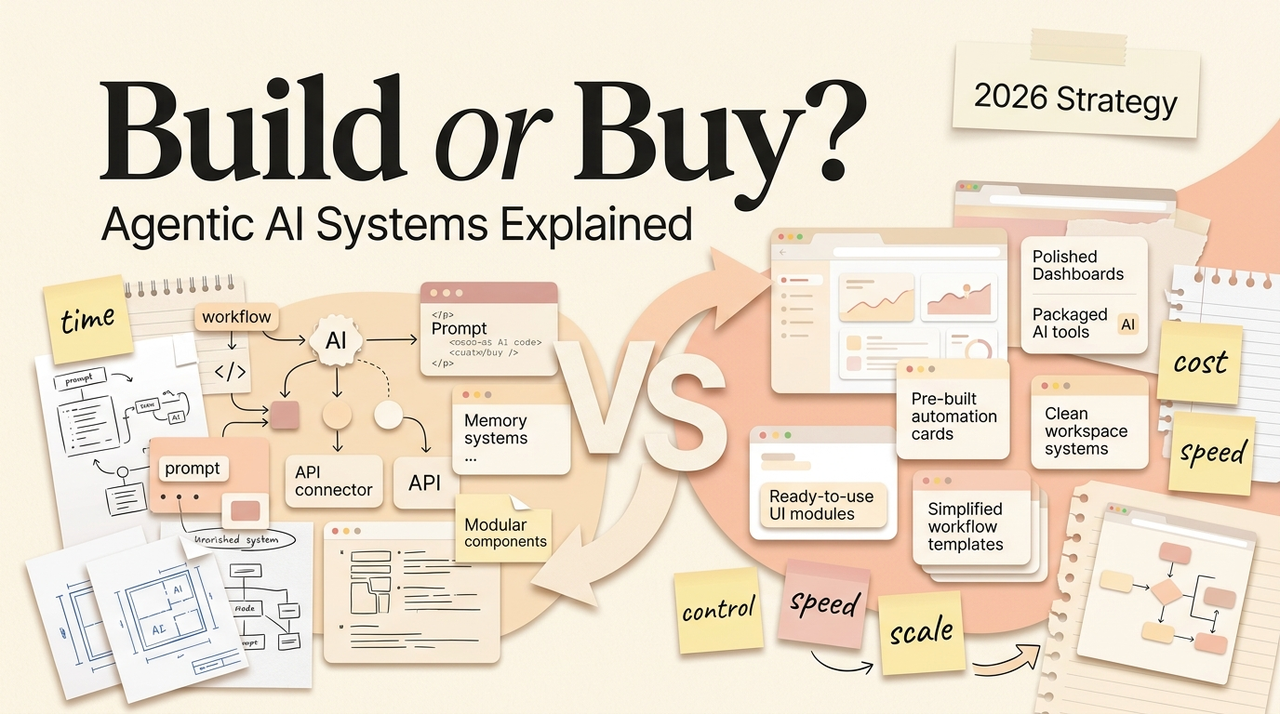
Hi, I'm Nova. I've been going back and forth on this for weeks. I have a few AI workflows that work — content research, client intake sorting, weekly reporting. They're Custom GPTs, mostly. Simple, useful, fine. But lately I keep bumping into their edges, and the question has shifted from "how do I build an agent" to something harder: do I build a whole system around these things, buy one, or pay someone else to figure it out?
If you've already validated a workflow with a single agent and you're wondering what happens next, this is that conversation. Building agentic AI systems is a different decision than building your first agent — and the trade-offs are not obvious until you're in the middle of them.
When an Agent Becomes a System
A single agent is a tool. It takes instructions, uses some files, and gives you output. You can build one in an afternoon.
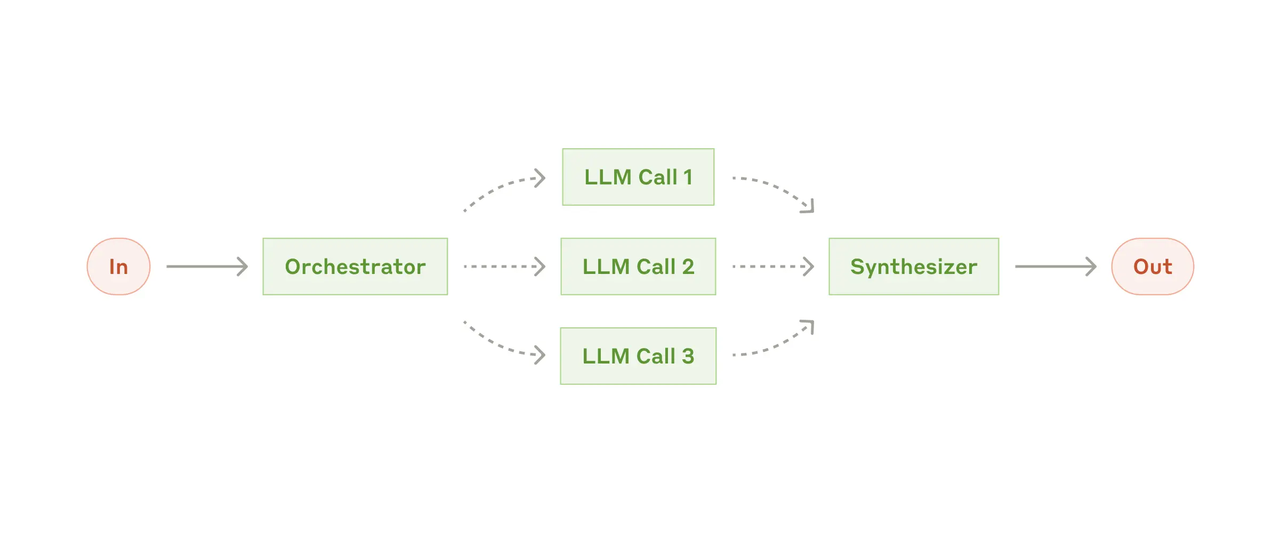
A system is what happens when that agent needs to talk to other agents, remember things between sessions, access live data, recover from errors gracefully, and operate under some kind of permission structure that doesn't just rely on you personally checking every output.
The shift usually happens around three signals. First, you find yourself duct-taping multiple agents together — one does research, another formats, a third checks against a style guide — and you're manually passing outputs between them. Second, you need persistence: the agent should remember what happened last Tuesday without you re-explaining everything. Third, other people start using it, and suddenly "just trust the output" isn't good enough.
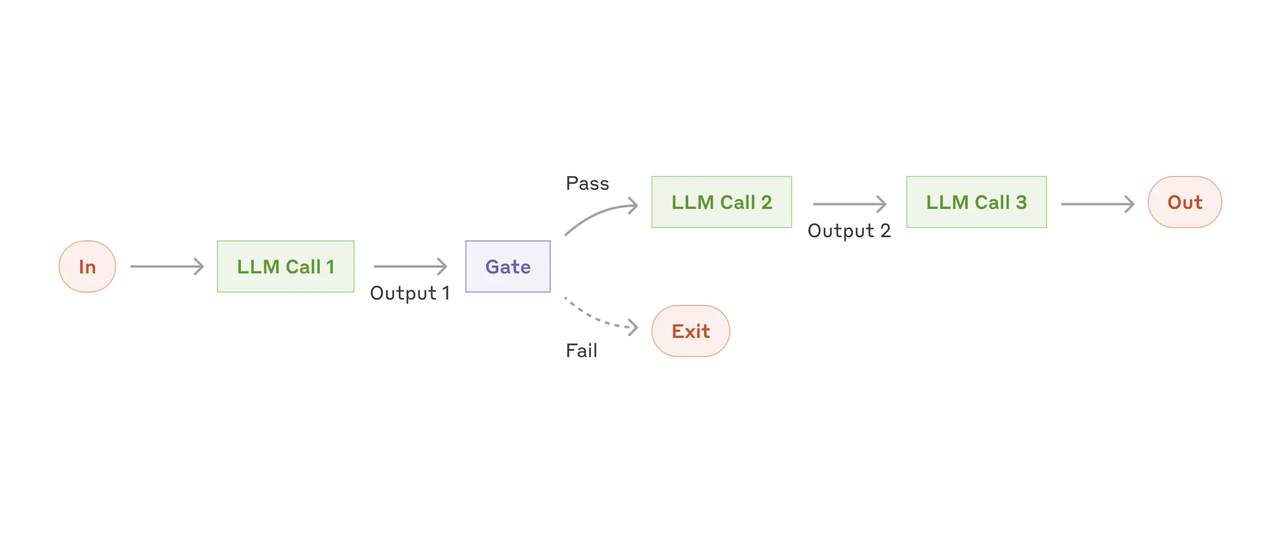
Anthropic put it well in their guide on building effective agents: they recommend starting with the simplest possible solution and only increasing complexity when needed. Workflows — where tools and LLMs follow predefined paths — should come before fully autonomous agents. That advice is solid. But it also means that when you do need the next level, you need to think carefully about whether you're building it, buying it, or outsourcing the build.
Build vs. Buy vs. Outsource: Comparison Table
I've been thinking about this as a three-column problem. Here's how the trade-offs actually look when you're a small team or solo operator:
Build (in-house) | Buy (platform) | Outsource (agency/contractor) | |
|---|---|---|---|
Upfront cost | Low (your time) | Medium ($20–100+/mo per seat) | High ($5K–50K+ per project) |
Time to first result | 1–4 weeks | 1–3 days | 4–12 weeks |
Customization | Full control | Limited to platform features | High, but dependent on contractor |
Maintenance burden | 100% on you | Handled by vendor | Depends on contract |
Switching cost | Low (you own the code) | Medium to high (vendor lock-in) | High (knowledge transfer) |
Best for | Teams with dev capacity | Solo operators, small teams wanting speed | Complex integrations, one-time builds |
Worst for | People without engineering time | Highly custom workflows | Ongoing iteration needs |
The honest answer? Most people I know in the solo/small-team space start with buy, hit limits, then selectively build the pieces that matter most. Almost nobody I talk to outsources the whole thing on the first pass — it's too expensive and you don't yet know enough about what you actually need.
What Changes at System Level
Memory, Tools, Permissions, Monitoring, Recovery
This is the part where things get real. When you move from a single agent to developing an agentic AI system, five things suddenly need answers:
Memory. A standalone Custom GPT has no memory between sessions — OpenAI's documentation confirms this: each conversation starts fresh. At system level, you need something that persists. That might be a database, a vector store, or a structured knowledge graph. The choice depends on whether your agent needs to recall facts (structured) or context (semantic). I've been experimenting with both, and my honest take is that most small teams should start with a simple key-value store or a Google Sheet before investing in vector infrastructure. Don't over-engineer the memory layer until you know what needs remembering.
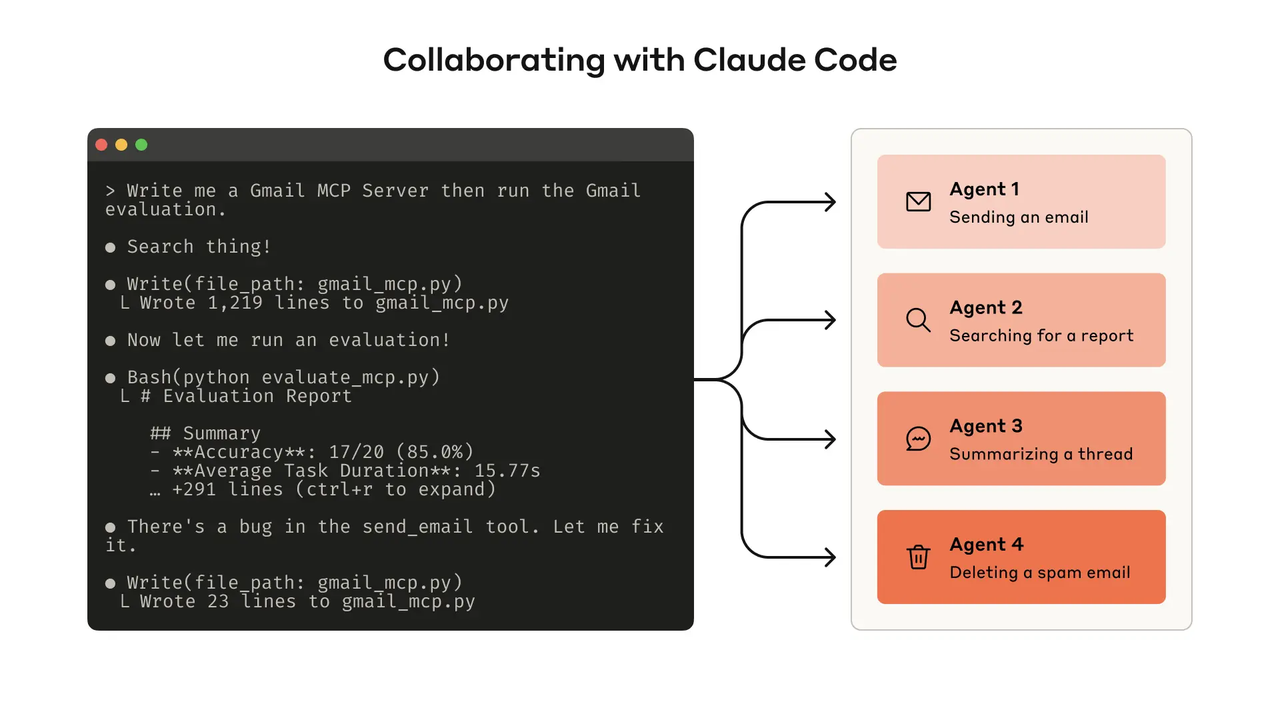
Tools. Single agents use the tools you give them — web browsing, code execution, file access. Systems need tool orchestration: which agent gets which tools, in what order, and what happens when a tool fails mid-task. This is where frameworks like LangGraph or CrewAI come in if you're building, or platform features if you're buying. I haven't fully worked out my own workflow with multi-tool orchestration yet, but I've put enough hours in to know that the debugging is where 80% of the time goes.
Permissions. When it's just you, permissions don't matter — you trust yourself. The moment someone else uses your system, you need to decide: can this agent read customer data? Can it send emails? Can it modify a shared document? According to LangChain's 2026 State of Agent Engineering report, 57% of surveyed organizations now have agents in production, but quality and governance are still the top barriers. Permissions are boring until they're a crisis.
Monitoring. You need to see what your agents are doing. Not just outputs — the reasoning, the tool calls, the decision points. LangSmith, Arize, and other observability tools exist for this, and the LangChain report found that 89% of teams with production agents have some form of observability in place. If you're building from scratch, at minimum log every tool call and every decision branch. You'll thank yourself the first time something breaks at 2 AM.
Recovery. What happens when an agent fails mid-task? Does it retry? Does it alert you? Does it silently produce garbage? At system level, you need checkpoints — places where the agent pauses, saves state, and can resume or escalate. This is the difference between a toy and a tool. I'm still figuring this out myself, but the principle of building AI agents that actually holds up: design for failure first, happy paths second.
Ownership and Maintenance Trade-offs
Here's the thing nobody talks about enough: the build decision isn't just "can I build it?" It's "can I maintain it in six months when the model updates, the API changes, and I've forgotten why I structured the prompts that way?"
I used to think more tools meant more productivity. I don't anymore. Every new component in your system is something that can break, something that needs updating, and something you have to explain to the next person who touches it.
If you're building AI agents from scratch, you own the upside — full customization, no vendor lock-in, no monthly fees beyond API costs. But you also own every failure mode. When OpenAI retires a model (and they do — GPT-4o was fully retired in April 2026), you're the one migrating your prompts. When a tool integration changes its API, you're the one fixing it on a Saturday.
If you buy a platform, you trade that maintenance burden for feature limitations and, usually, some form of vendor lock-in. The platform handles model updates, but you're constrained to what it supports. For a solo operator running three or four workflows, that trade-off often makes sense. For a team with a specific, high-value workflow that needs to behave exactly right — building is usually worth it.
I'm not going to say "it depends" and leave it there. Here's how I actually think about this: if the workflow generates revenue or saves more than five hours per week, build the critical path yourself and buy the supporting infrastructure. If it's a nice-to-have efficiency tool, buy. If you don't know yet, buy something cheap, test for a month, then decide.
Decision Tree by Workflow Maturity
I've found it useful to map the build-or-buy decision to where your workflow actually is:
Stage 1: Experimental. You're still figuring out if the workflow works at all. At this stage, buy. Use ChatGPT, use a Custom GPT, use whatever gets you to a working proof of concept fastest. Don't write code yet. Don't commit to a framework.
Stage 2: Validated. The workflow works. You've used it 20+ times. You know the inputs, outputs, and common failure modes. Now you can make an informed decision. If the platform you're on handles it well — stay. If you're hitting limits — start building the specific pieces that are constrained.
Stage 3: Production. The workflow runs regularly, other people depend on it, and reliability matters. This is where you need monitoring, recovery, and governance. If you built it, add observability. If you bought it, evaluate whether the platform's governance features are sufficient. Most platforms are catching up here — Anthropic's guide on writing effective tools for agents covers some of the principles that matter at this stage, particularly around designing tools that agents can use reliably.
Stage 4: Scaling. Multiple workflows, multiple agents, multiple users. This is system territory. You're either deeply committed to a platform ecosystem or you're running your own orchestration layer. Few solo operators or small teams reach this stage with more than one or two workflows, and that's fine. Get Stage 3 right first.
The mistake I see most often: people jump to Stage 4 thinking before they've actually validated Stage 2. They buy an enterprise platform for a workflow they've tested three times. Don't do that.
FAQ
When does a simple agent become a system?
When it needs to coordinate with other agents, maintain state between sessions, or operate under permissions that go beyond "only I use this." If you're manually copying output from one GPT to another, you're already at the edge. The moment you automate that handoff, you're developing an agentic AI system whether you planned to or not.
Who should own system maintenance?
Whoever understands both the workflow and the tools. For solo operators, that's you — which is why keeping things simple matters so much. For small teams, pick one person as the system owner and make sure they have time for it. Maintenance isn't a one-time setup cost; plan for at least 2–4 hours per week of monitoring, updating, and fixing the things that quietly drifted.
What documentation should exist before launch?
At minimum: a plain-language description of what the system does and doesn't do, a list of every external tool or API it connects to, the permission boundaries (what it can access, what it can't), expected failure modes and recovery steps, and a version log of instruction changes. I keep mine in a single markdown file. It doesn't need to be fancy — it needs to be current.
How do I avoid rebuilding the same workflow twice?
Template your instructions and save them outside the platform. I keep a folder of proven prompts, tool configurations, and example outputs for each workflow I've validated. When I need a similar system for a different use case, I start from the template and modify — not from zero. Also, name things clearly. "Research Agent v3 — client briefs" tells you what it does in six months. "My GPT" does not.
That's where I am on the build-or-buy question for building agentic AI systems. The answer isn't universal — it depends on where your workflow actually is, how much maintenance you can absorb, and whether the value justifies the complexity.
I'll check back in after I've moved two more of my own workflows from Stage 2 to Stage 3. That's one small piece figured out.
Previous Posts:
If you're still figuring out whether you need a single agent or something bigger, start here: Agentic AI Tools: A Category Map Before You Build Anything
Before building an entire system, make sure you've already validated one repeatable workflow: How to Build AI Agents for Repeated Work
Curious where workflow automation ends and true agent systems begin? This breaks down the line clearly: AI Workflow vs Agent Workflow: Where the Line Actually Is
If you're considering buying instead of building, this guide helps evaluate when outside help actually makes sense: AI Automation Agency: Do You Actually Need One?
Thinking about long-term coordination between tools, memory, and context? This is a natural next read: AI Workspace Agents: What They Actually Change for Solo Operators
Get automation tips for your workflow
Weekly insights for non-technical professionals. No spam ever.