
Best Calendar App for Solo Operators
Best calendar app choices should be judged by workflow fit, cross-platform use, task handling, and whether work still waits on you.
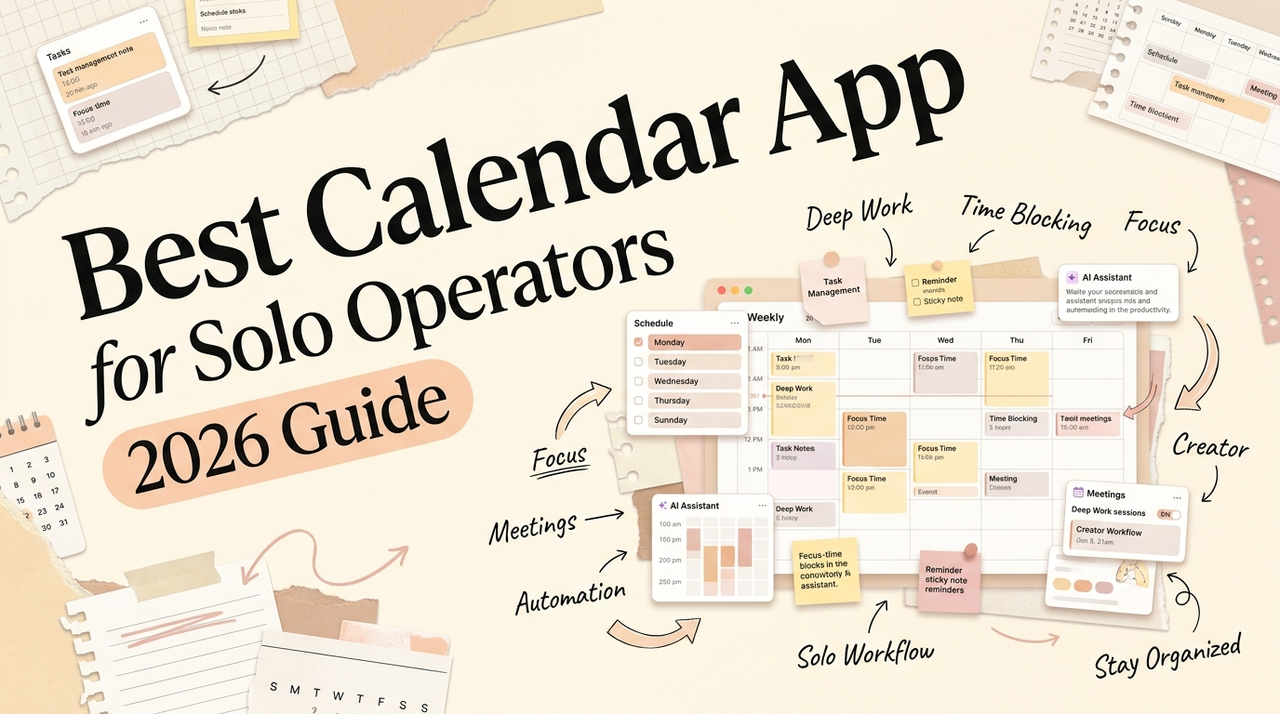
Hello, Nova is here. If you're running a one-person operation and searching for the best calendar app, the answer has less to do with which app looks nicest and more to do with how your workday actually moves. I've been cycling through calendar setups for a while — testing what sticks, what creates friction. This is what I'd tell a friend who asked.
How to Choose a Calendar App by Workflow
Most calendar comparison lists rank tools by feature count. That's not what I think about it.
The question I'd start with is simpler: what does your Tuesday actually look like? A solo consultant hopping between Zoom and Google Docs has different friction points than a content creator managing a publishing schedule.
The real split isn't "free vs paid." It's between three types of calendar behavior:
Display calendars show you what's coming. Google Calendar, Apple Calendar, Outlook — they're good at this. You put events in, they show events back. That's the job.
Planning calendars help you decide when to do things. Tools like Morgen and Sunsama sit here — they pull tasks into your calendar view and help you build a daily plan.
Smart calendars try to schedule things for you. Motion and Reclaim AI fall into this category. You give them tasks with deadlines, and the algorithm finds slots.
Fit matters more than features. If you've never thought about which type you actually need, you're probably comparing tools that solve different problems.
Best Fit by User Type
Mac Users
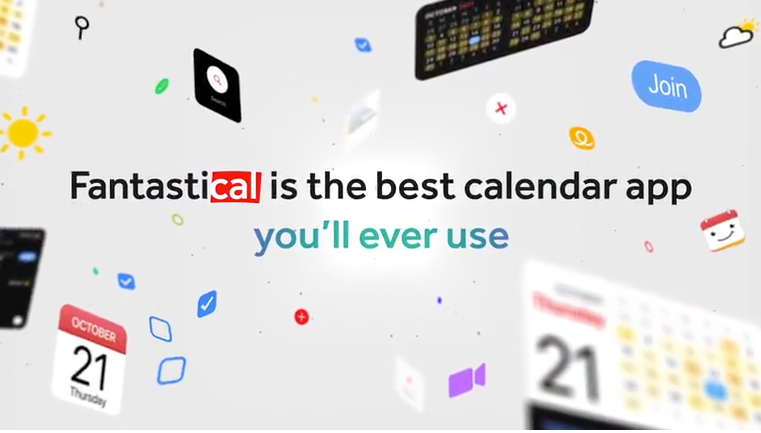
If you're deep in the Apple ecosystem, Fantastical is hard to beat for daily calendar experience. The natural language input is genuinely good — type "coffee with Mika Thursday 2pm at Blue Bottle" and it just parses correctly. Calendar Sets let you flip between work and personal views fast. I've been using it for months and the small details keep adding up. The menu bar widget, the keyboard shortcuts, how it handles time zones — it's polished in a way that Apple's own Calendar app isn't.
One thing worth noting: Fantastical recently launched a Windows version, so it's no longer Mac-only. But the Mac experience is still where it feels most at home. Apple Calendar is fine if you just need something free and simple — but if your calendar is your control panel, Fantastical is where I'd start.
Windows Users
Outlook Calendar is the default if you're in the Microsoft ecosystem. For solo operators who deal with a lot of client email, having calendar and email in one window has a real advantage — less tab switching, less context loss.
If you want something beyond Outlook, Morgen runs natively on Windows (and Linux, which is unusual). It connects to Google, Outlook, and iCloud simultaneously. I haven't tested every best calendar app for windows option deeply — my daily driver is Mac-based, and I'll be honest about that. But Morgen is probably the strongest cross-platform pick right now for Windows users who want a planning layer.
Cross-Platform Workers
If you're on a Mac at home, an Android phone, and occasionally a Windows machine for client work — your calendar needs to work everywhere.
Google Calendar is the cross-platform default. It runs in any browser, syncs reliably, and Google's support documentation covers just about every integration question. I keep coming back to it as a base layer, even when testing other tools on top.
Morgen is the strongest best calendar app cross platform option beyond Google. It runs on macOS, Windows, Linux, iOS, and Android — I checked their FAQ page and confirmed it connects to Google, Outlook, iCloud, and Fastmail. The AI planner suggests task placement but won't rearrange your schedule without asking — which I prefer over tools that auto-schedule aggressively.
Smart Calendar Seekers
If you've been searching for the best smart calendar, you've probably come across Motion and Reclaim AI.
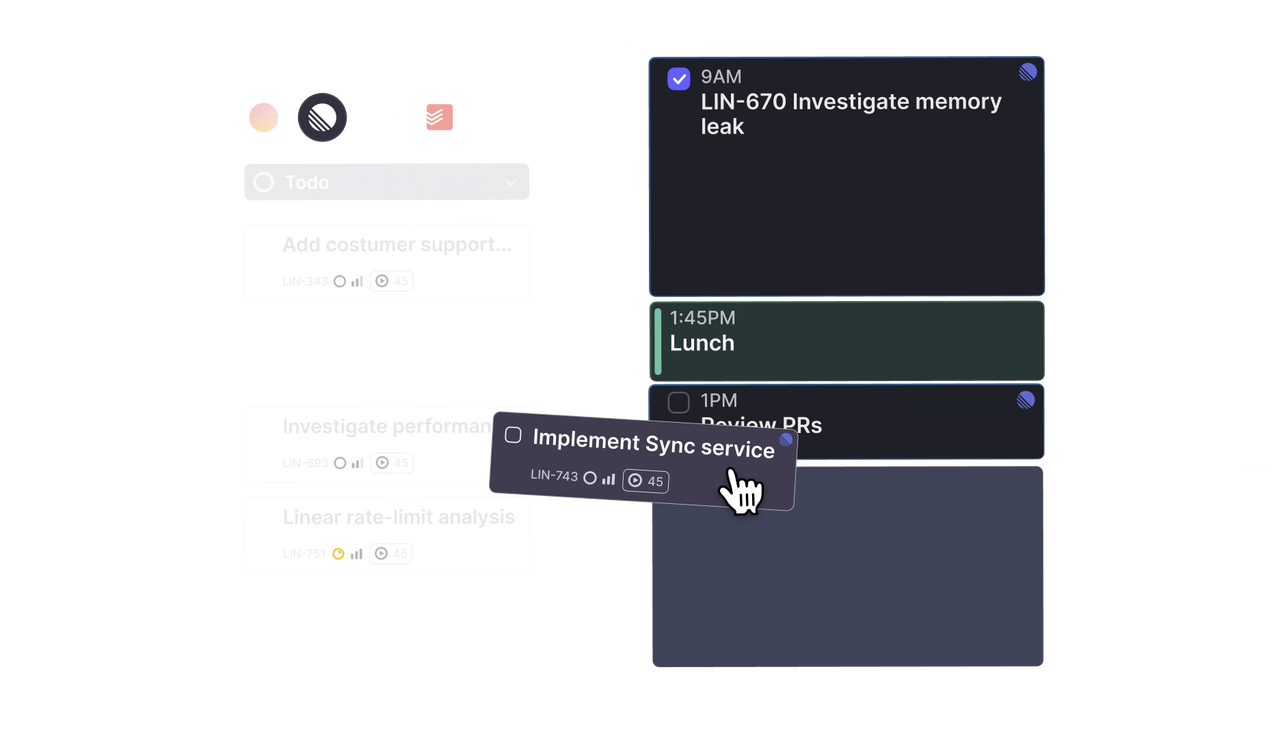
Motion takes a more aggressive approach. You feed it tasks with deadlines and time estimates, and its algorithm builds your day. The auto-scheduling is impressive when it works — it rearranges your whole day if a meeting lands or gets canceled. But here's the thing I don't see enough people talk about: it only works if you keep feeding it tasks. If you stop adding tasks for a few days, your calendar goes stale. The maintenance overhead is real.
I ran it, looked away to grab my coffee, came back — and my entire afternoon had rearranged itself. I actually checked if something had broken. It hadn't. That's just how it works. Whether that feels helpful or unsettling depends on how much control you want to give up.
Reclaim AI takes a lighter approach. It sits on top of your existing Google Calendar (and now Outlook, as of their 2025 expansion) and protects time for habits, focus blocks, and tasks. It doesn't rebuild your schedule from scratch — it defends the time you've already planned. The free tier is surprisingly usable, which is rare in this category.
My take: if your bottleneck is "I have too many tasks and can't figure out when to do them," a smart calendar might help. If your bottleneck is "I have too many meetings and need to protect focus time," Reclaim does that specific thing well. If your bottleneck is something else entirely — like you know what to do and when, but you're still not getting it done — a smarter calendar won't fix that. Different problem.
Calendar App vs Task App vs AI Scheduler
Here's where I want to be direct, because this is the part most comparison articles skip.
A calendar app shows you when things happen. A task app tracks what needs to happen. An AI scheduler tries to bridge the two. But none of them will push the work forward for you.
I used to think if I just found the right setup, my execution problems would disappear. I'd spend an hour reorganizing my week in a planning tool, feel productive, and then realize I hadn't done any of the work I'd just planned.
The gap is between scheduling something and actually moving it to done. Your calendar knows you have a client follow-up at 2pm. It won't draft the email. It knows you blocked 9-11am for writing. It won't open the doc. For solo operators — no team to delegate to — this matters more than for anyone else.
I've started thinking less about which calendar to use and more about what happens between the calendar entry and the finished work. I've started thinking less about which calendar to use and more about what happens between the calendar entry and the finished work. That's actually what got me interested in Floatboat — it's built around this exact gap. Your calendar says "client follow-up at 2pm," and Floatboat goes ahead and pulls the last email thread, the shared doc, the notes from your previous call, so when 2pm hits, you're not spending the first ten minutes figuring out where you left off. It's less "smarter calendar" and more "proactive work layer." I'm still putting it through its paces, but the direction feels like where this whole category needs to go.
What Calendar Apps Still Cannot Do
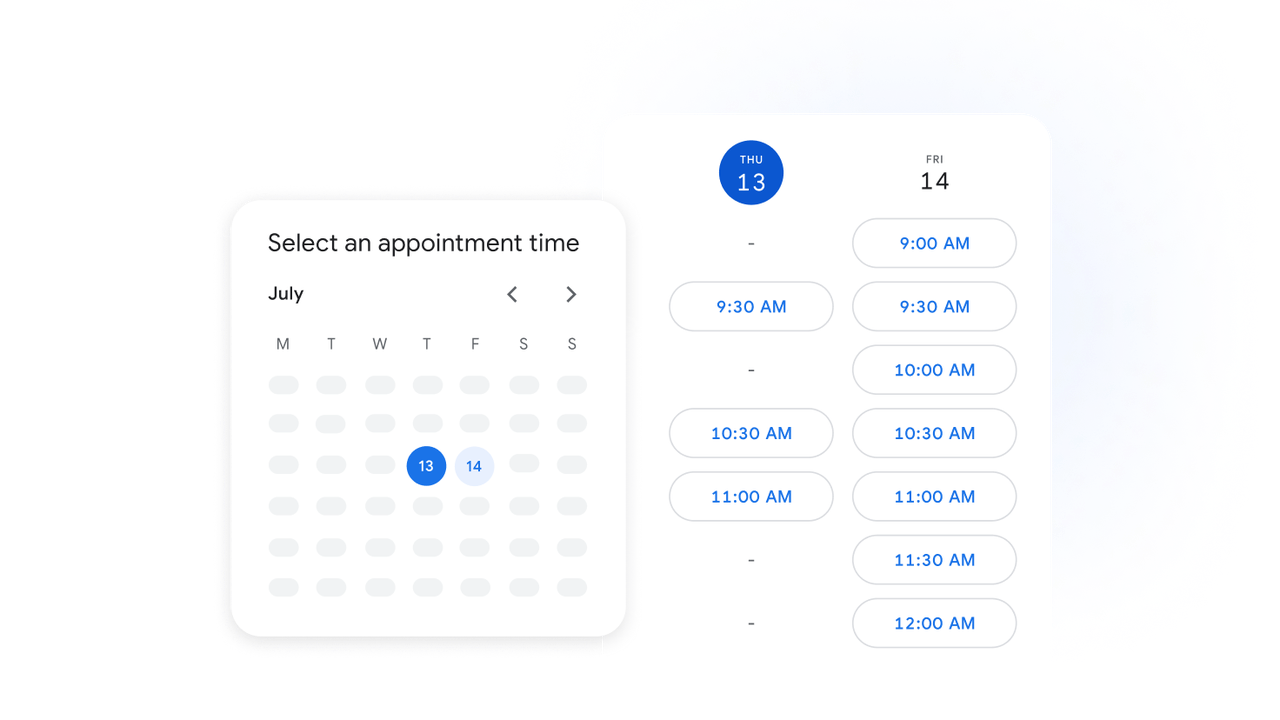
No calendar app in 2026 can look at your meeting tomorrow and automatically pull together the context you need — the last email thread, the shared doc, the notes from your previous call.
No calendar app can notice you've rescheduled "write blog post" four times this week and ask whether you're avoiding it for a reason.
No calendar app handles the gap between "I scheduled a follow-up" and "the follow-up was actually sent."
These aren't bugs. They're the edges of what a calendar is designed to be. Knowing those edges saves you from switching tools every three months hoping the next one will solve a problem that lives outside the tool's scope.
Decision Checklist for Solo Operators
Before you switch calendars or add a new tool, run through these:
Do you actually have a calendar problem?
If you're getting to meetings on time and know what's on your plate, maybe the issue isn't your calendar. A new app won't fix energy management or saying no to things.
How many calendars are you managing?
One Google Calendar — you probably don't need a separate tool. Multiple providers — a unifier like Morgen or Fantastical starts making sense.
Are you willing to maintain the system?
Smart calendars need ongoing input. If you won't feed it tasks consistently, you'll get inconsistent results.
What's your budget and platform?
Google Calendar is free. Fantastical runs about $57/year. Motion starts around $19/month. Match the tool to your devices, not the other way around — if you're all-Apple, Fantastical. Mixed platforms, Morgen or Google Calendar. All-Google, Reclaim AI layers on nicely.
FAQ
What is the best calendar app for work?
Depends on what "work" looks like. Meetings all day with Zoom and email? Outlook or Google Calendar covers it. Need a calendar that doubles as a daily planner? Morgen or Fantastical. I wouldn't trust anyone who gives one answer without asking what your work actually involves.
How should solo operators choose a calendar app?
Platform first, then workflow, then budget. The prettiest app on the wrong operating system is useless. Solve the foundational problem before adding intelligence on top.
What should users check before switching calendar apps?
Export your current data first. Check whether Zoom links, Google Meet, and shared calendars will carry over. I once switched mid-week and lost my recurring event details because the import didn't handle them. Took an hour to fix — not tragic, but worth avoiding.
When is a smart calendar better than a regular calendar?
When your day is genuinely unpredictable and you have lots of movable tasks competing for limited slots. Stable schedule with known deadlines? A smart calendar might be overkill. Reclaim's free tier is a low-risk way to test whether AI scheduling actually changes your day.
When do you need more than a calendar app?
When the work isn't getting done even though it's on your schedule. That's an execution gap, not a scheduling gap. If you keep rescheduling the same tasks, the calendar isn't the bottleneck.
That's my honest take on the best calendar app question for solo operators. The tool matters less than most people think. What matters is whether it fits the way you actually work — not the way you wish you worked.
I'll know more in a few weeks. I'm testing a couple of new setups and I'll share what sticks.
Previous Posts:
If your calendar is full but work still feels fragmented, Stop Context Switching: Why Workspace Agents Matter explores the hidden cost of constantly jumping between apps all day.
Still deciding whether you need a smarter planner or something that actually executes work? Workspace Agents vs Workflow Builders breaks down the difference between organizing tasks and moving them forward.
Smart calendars can schedule your tasks — but they still rely on you to execute them. AI Workflow for Solo Founders looks at where solo operators actually lose momentum during the workday.
If you've been experimenting with AI schedulers, assistants, and planning systems, AI Workspace Agents explains why the next layer may be execution instead of another calendar view.
Wondering what happens after the reminder fires? How to Build AI Agents for Repeated Work explores how recurring workflows can run with less manual rebuilding every week.
Get automation tips for your workflow
Weekly insights for non-technical professionals. No spam ever.